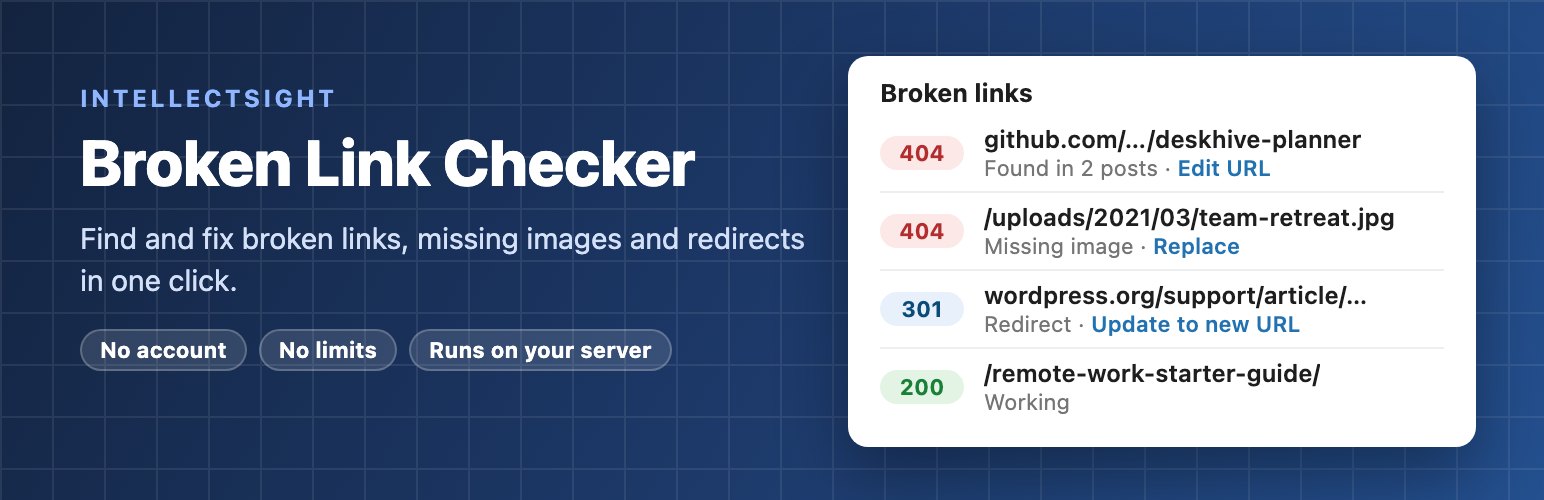
Broken links frustrate visitors and waste the SEO value of your content. IntellectSight Broken Link Checker finds every broken link and missing image in your posts and pages and lets you fix them in one click, without leaving WordPress.
Why another link checker?
- No account, no cloud. Every check runs on your own server. Nothing about your site is sent to us or to a third-party service.
- No limits. Check 50 links or 500,000. There is no paid tier holding features back.
- Light on your server. One row per unique URL, small background batches, and nothing runs for your visitors.
- Fewer false alarms. Timeouts and server errors are re-tested before a link is called broken, and sites that block automated checks are listed separately as Blocked.
Fix links in one click
Edit a URL once and it is updated in every post that uses it, unlink while keeping the text, update a redirecting link to its final address, mark a false alarm as not broken, or recheck right away. Every fix is saved as a normal post update, so a revision exists and you can undo it.